Workspaces - Organize Your Digital Life
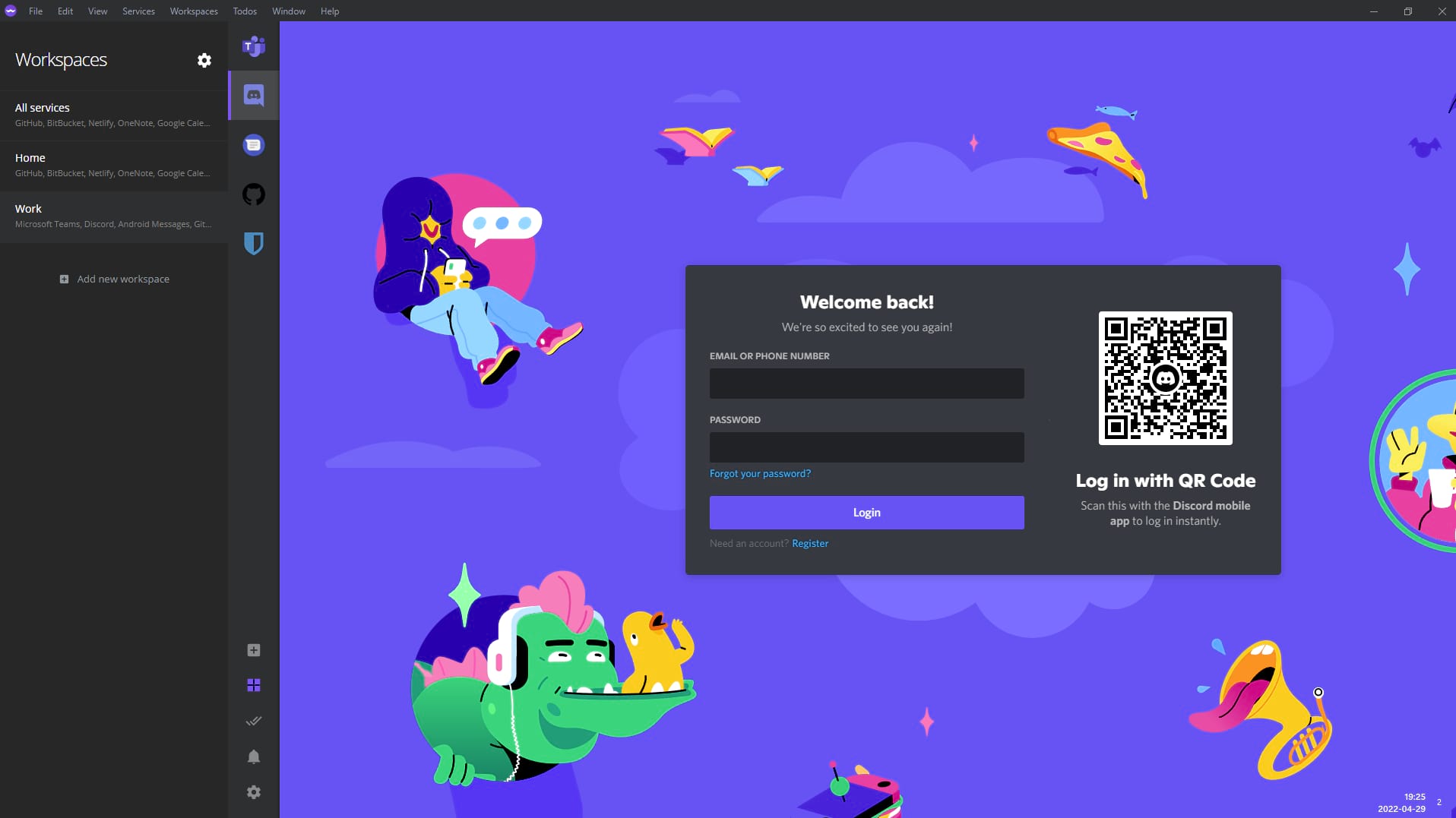
Workspaces are one of Ferdium's most powerful features. They allow you to separate your services by context, making it easier to focus on what matters at any given time.
- Context-Based Organization: Create workspaces like "Work", "Personal", "Side Projects", or any custom name that fits your workflow
- Quick Switching: Switch between workspaces instantly with keyboard shortcuts or the workspace selector
- Reduced Clutter: Hide services that aren't relevant to your current context, reducing visual noise
- Improved Focus: By showing only relevant services, workspaces help you maintain better focus and productivity
Pro Tip: Use workspaces to separate work and personal time. Switch to your personal workspace at the end of the workday to mentally disconnect.
100+ Services Supported
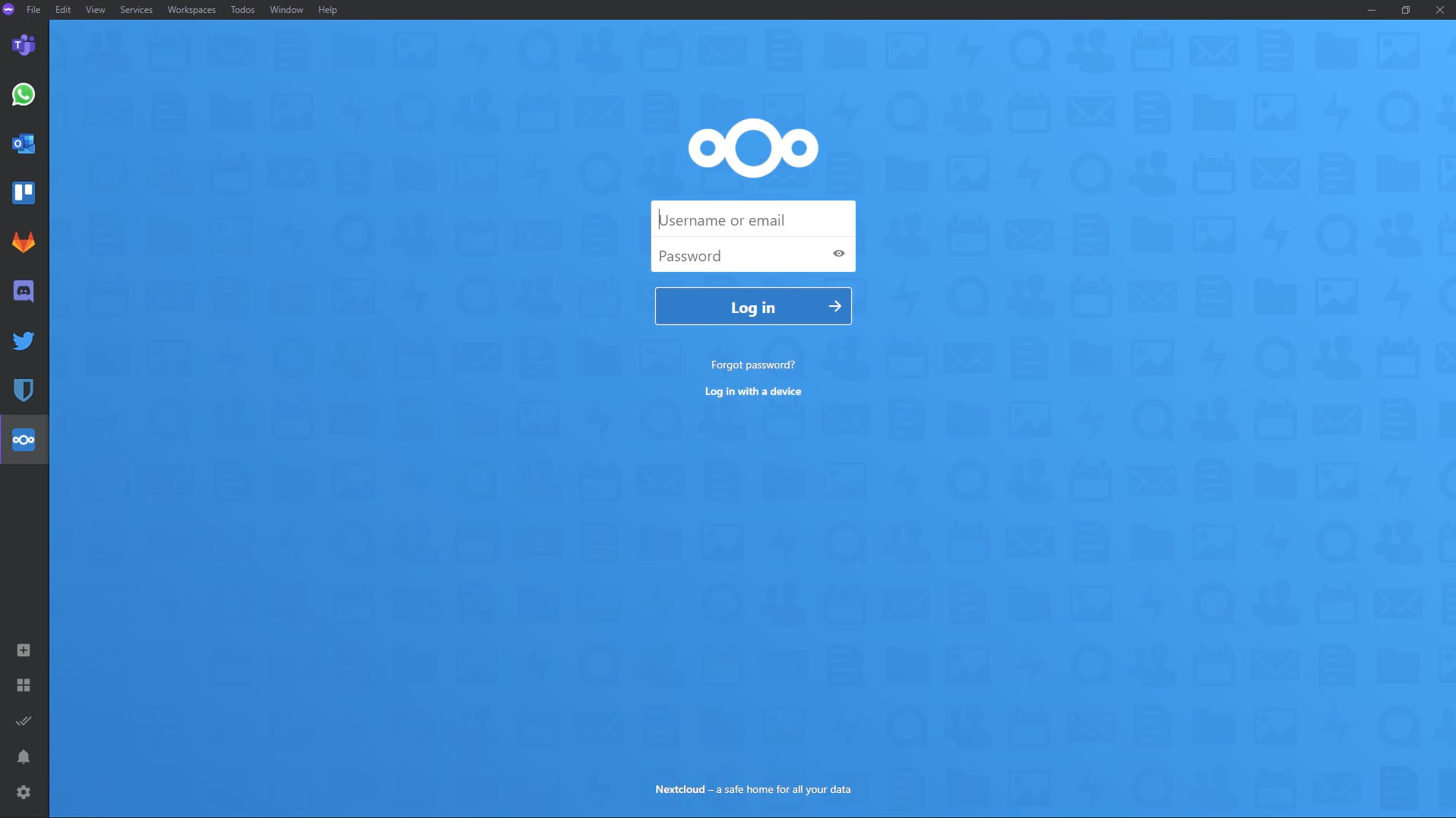
Ferdium supports an extensive library of services, and the community constantly adds more. Whether you use messaging apps, email clients, or productivity tools, Ferdium has you covered.
Messaging
- • Telegram
- • Slack
- • Discord
- • Microsoft Teams
- • Gmail
- • Outlook
- • Yahoo Mail
- • ProtonMail
- • Zoho Mail
Productivity
- • Notion
- • Trello
- • Todoist
- • Asana
- • Jira
Social
Multiple Accounts: Add the same service multiple times to manage different accounts simultaneously. Perfect for separating work and personal accounts!
Built-in Todo Panel
Access your todo list at any time without leaving Ferdium. The built-in todo panel is always accessible and can be viewed alongside your services.
- Always accessible from any service
- Sync across devices with Ferdium account
- Keyboard shortcuts for quick access
Custom Services
Can't find the service you need in Ferdium's library? Add your own custom service with just a few clicks. No coding or complex configuration required.
- Add any web-based service
- Simple URL-based configuration
- Full notification support
Anonymous Access
Use Ferdium completely anonymously. No account required, no data collection, no tracking. All your data stays on your computer.
- No account required
- All data stored locally
- Zero data collection
Optional Cloud Sync
Choose to sync your services and workspaces across all your computers with an optional Ferdium account. Available but never required.
- Sync across devices
- Completely optional
- End-to-end encryption
Resource Optimization
Ferdium intelligently manages system resources by hibernating inactive services. Keep your computer running smoothly even with many services added.
- Automatic service hibernation
- Reduced CPU and memory usage
- Manual hibernation controls
Privacy Controls
Control what information is displayed in notifications. Protect your privacy while staying informed about important messages.
- Hide notification content
- Per-service notification settings
- Do Not Disturb mode
Additional Features
Customizable UI
Customize the appearance with themes and custom CSS
Keyboard Shortcuts
Efficient navigation with customizable keyboard shortcuts
Smart Notifications
Unified notification system with customization options
Quick Service Search
Find and switch between services instantly
Dark Mode
Built-in dark mode for comfortable viewing
Multi-Language
Available in multiple languages thanks to community contributions
Ready to Experience These Features?
Download Ferdium now and start organizing your digital life
Download Ferdium