Complete Guide to Using Ferdium for Maximum Productivity
What Makes Ferdium the Best Unified Messaging Application?
In today's digital age, professionals and individuals alike use an average of 8-10 different applications for communication and productivity. Switching between browser tabs, mobile apps, and desktop applications throughout the day leads to decreased productivity, increased cognitive load, and fragmented workflows. Ferdium solves this fundamental problem by providing a unified desktop application that brings all your services together.
Research in productivity science has shown that task switching can reduce productivity by up to 40%. When you need to check Slack, then switch to Gmail, then jump to WhatsApp, then open Trello, each transition requires mental context switching. Ferdium eliminates these transitions by providing instant access to all services within a single application interface. This isn't just convenient—it's scientifically proven to improve productivity and reduce mental fatigue.
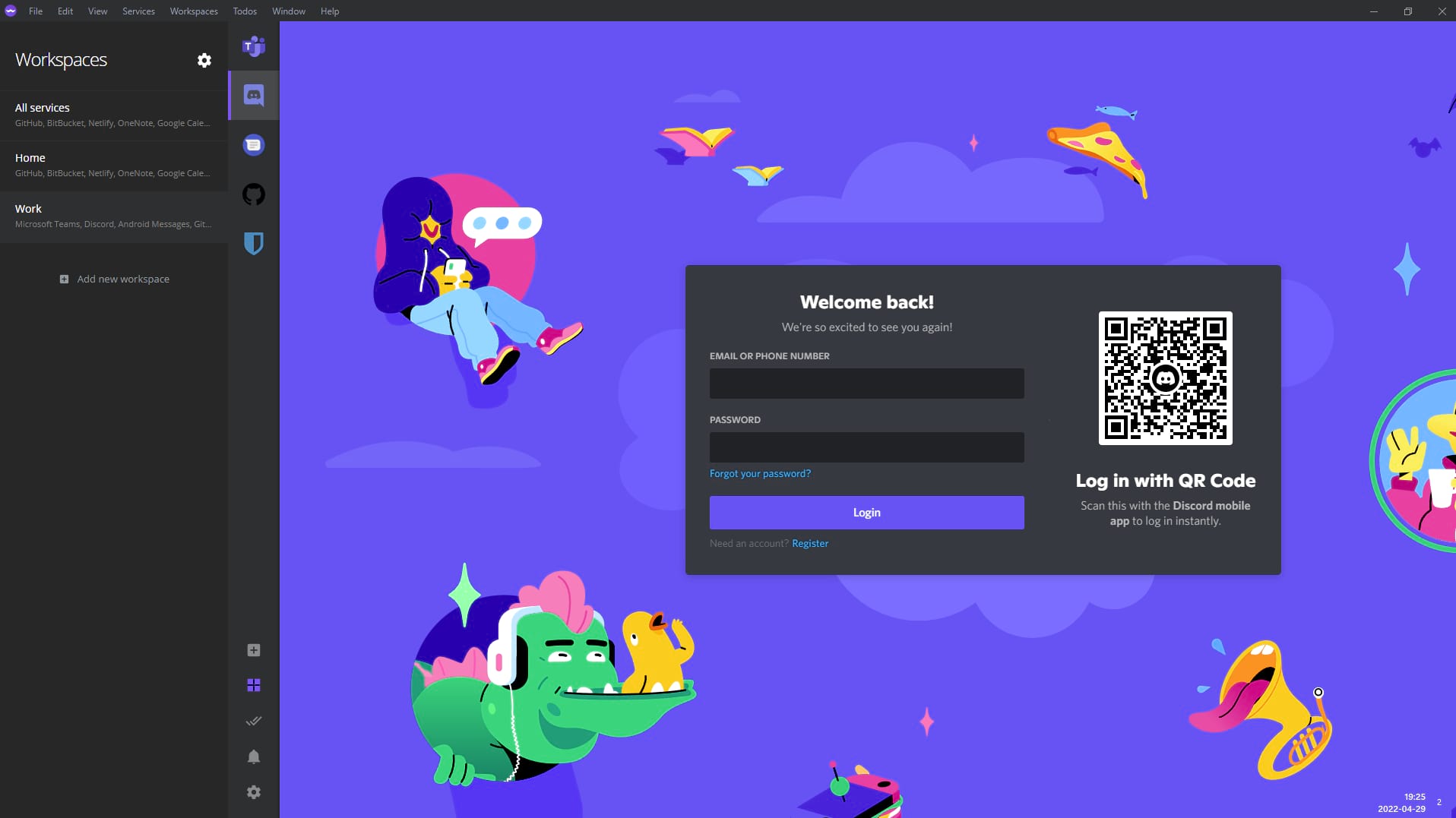
The workspace feature takes this a step further by allowing users to create context-specific views. Psychologists have long understood that environmental cues significantly impact focus and performance. Ferdium workspaces act as digital environments, helping your brain switch contexts more effectively. When you enter your "Work" workspace, your mind knows it's time to focus on work-related tasks. When you switch to "Personal", you mentally transition to personal time, helping maintain work-life balance.
For Remote Teams and Distributed Workforces
Remote work has fundamentally changed how teams communicate. Unlike office environments where you could walk to someone's desk, remote teams rely entirely on digital communication tools. A typical remote worker might need:
- Slack for team communication and quick questions
- Microsoft Teams for video meetings and collaboration
- Email for formal communications and external contacts
- WhatsApp for urgent messages and personal team chat
- Project management tools like Asana or Jira for task tracking
- Documentation tools like Notion or Confluence
- Calendar applications for scheduling
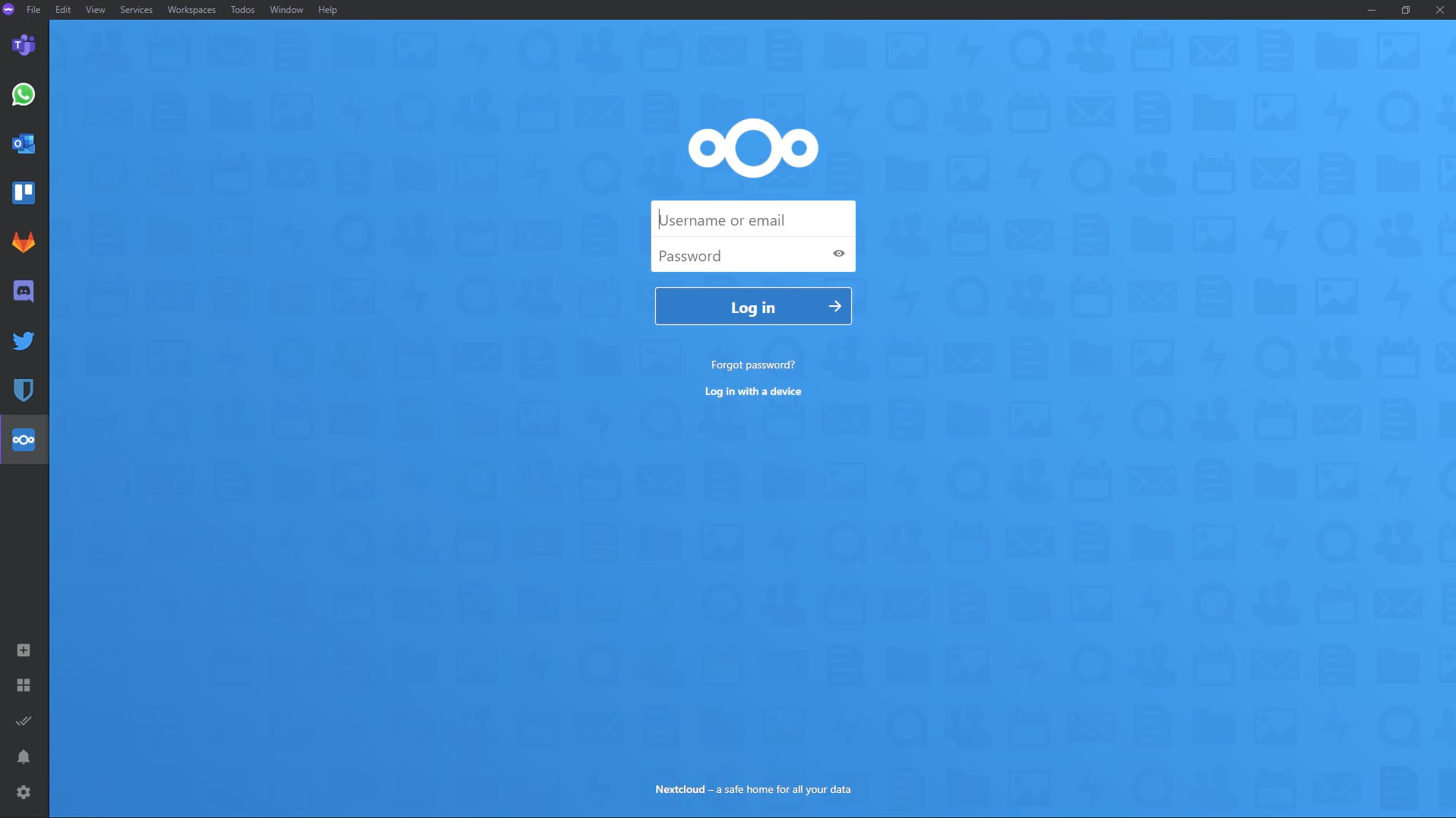
Managing all these in separate browser tabs creates chaos. Ferdium's unified interface means you can see all team communications at a glance, respond to urgent messages quickly, and maintain awareness of what's happening across all channels without the cognitive overhead of switching between applications.
Perfect for Freelancers and Consultants
Freelancers and consultants face unique challenges when managing multiple clients. Each client may prefer different communication channels, use different project management tools, and have different workflows. Without organization, client communications can easily get mixed up, deadlines can be missed, and professionalism can suffer.
Ferdium's workspace feature is perfect for this use case. Create a workspace for each client:
- Client A Workspace: Their Slack, email, and project board
- Client B Workspace: Their preferred tools and communication channels
- Personal Workspace: Your own services and communications
When you need to focus on a specific client, switch to their workspace. All their communications and tools are right there, and you're not distracted by messages from other clients. This organization helps you maintain professional boundaries and ensures nothing falls through the cracks.
Advanced Features That Set Ferdium Apart
Intelligent Resource Management
One of Ferdium's most impressive technical achievements is its intelligent service hibernation system. Unlike browser tabs that continue consuming resources even when not visible, Ferdium can hibernate inactive services, putting them into a low-resource state while preserving their session. When you switch back to a hibernated service, it quickly restores, maintaining your login and context.
This means you can add 20, 30, or even more services to Ferdium without your computer slowing down. Each service only uses resources when it's actively being viewed. This intelligent resource management makes Ferdium far more efficient than keeping dozens of browser tabs open, which would quickly consume gigabytes of RAM.
Sophisticated Notification Management
Notification overload is a real problem in the modern digital workplace. Studies show that the average knowledge worker receives over 100 notifications per day, leading to constant interruptions and decreased focus. Ferdium addresses this with sophisticated notification controls that go beyond simple on/off toggles.
You can set quiet hours where notifications are suppressed, hide notification content for privacy while still being alerted, customize notification styles per service, and create notification rules based on keywords or patterns. This level of control helps you stay informed without being overwhelmed, maintaining productivity while staying responsive to important communications.
Complete Customization and Theming
Ferdium understands that different people have different preferences and workflows. That's why it offers extensive customization options. You can customize the appearance with built-in themes, add your own custom CSS for complete visual control, customize service icons and colors, adjust layout preferences, and even modify keyboard shortcuts to match your preferences.
For developers and power users, Ferdium supports custom CSS injection, allowing you to completely transform the interface to match your aesthetic preferences or integrate with your desktop environment. This level of customization ensures Ferdium adapts to you, rather than forcing you to adapt to it.